Emirates ID Status Check: Track Your Application
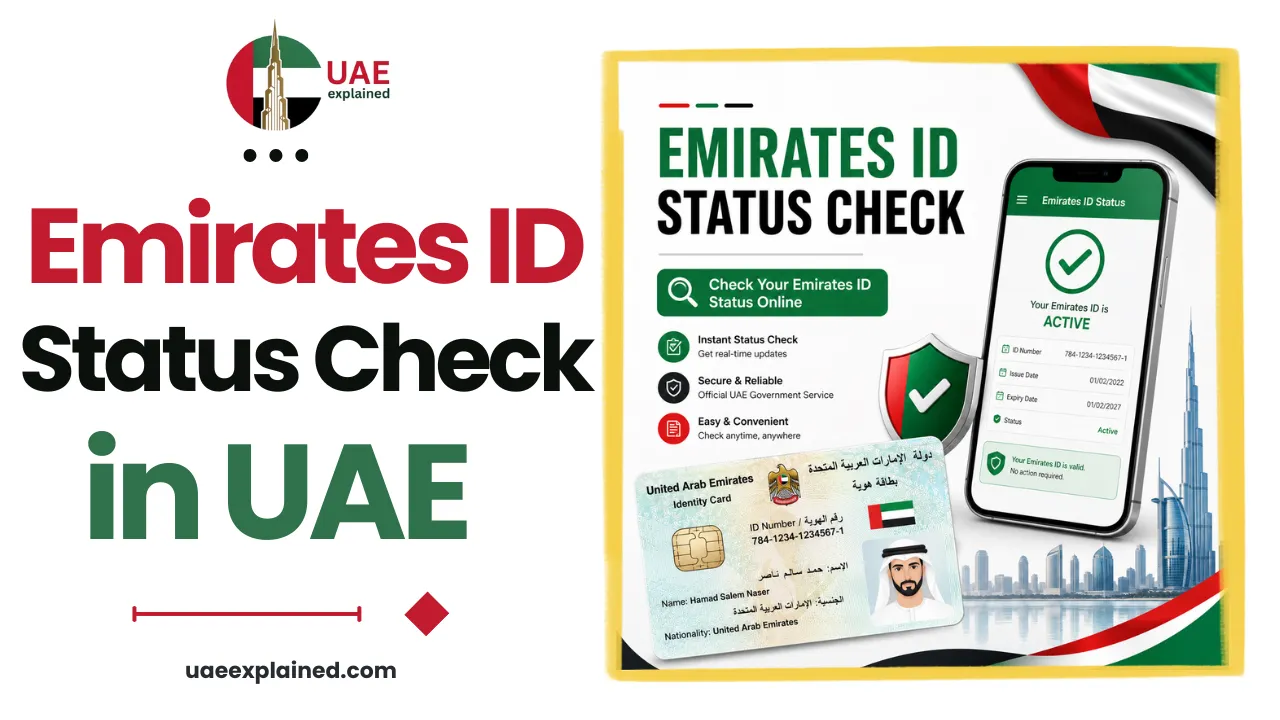
To check your Emirates ID status, go to icp.gov.ae or open the UAEICP app and enter your PRAN, the application number printed on your receipt. No login is needed for a basic status check. The screen shows the stage your card has reached, from under process through to printed and dispatched. Once it is dispatched, you track the delivery with Emirates Post.
- Find your PRAN on the application receipt.
- Enter it at icp.gov.ae or in the UAEICP app.
- If the status says dispatched, track it with Emirates Post.
Finding your PRAN application number
This page is about tracking a card you have applied for and are waiting to receive. If your card already exists and you only want to know when it expires, that is a different check, covered in our Emirates ID guide.
To track a pending application you need the PRAN, short for Personal Reference Application Number. It is generated the moment your application is submitted, and it exists precisely because a new card does not have an Emirates ID number yet. You will find it printed on the receipt issued by the typing centre, or in the paperwork your company PRO or free zone gives you. It usually starts with the year, in a format like 2026/XXXXXXX.
If you are renewing rather than applying for the first time, you can often track using your existing Emirates ID number instead. Keep the receipt until the card is physically in your hand, because without the PRAN the tracking screen has nothing to look up.
How to check your Emirates ID status?
The check is free, takes under a minute, and is available around the clock on both desktop and mobile.
- Go to icp.gov.ae and open the ID card status service, or launch the UAEICP app.
- Choose to search by PRAN, or by your Emirates ID number if you are renewing.
- Enter the number exactly as printed, including the year and the slash.
- Submit, and the current stage of your application appears on screen.
If the portal does not recognise your number, check for a typing error first, since the slash and leading year are often missed. Applications can also take a day to appear in the system after submission. If it still fails, the ICP call centre on 600 522222 can look it up for you.
What each Emirates ID status means?
The status wording is brief and it is easy to misread how far along you actually are. This is what each stage means in practice.
| Status | What it means | What to do |
|---|---|---|
| Under process | Your application is being reviewed by ICP | Wait, and make sure any biometrics appointment is done |
| Under printing | Approved, and the card is being produced | Nothing, printing is usually quick |
| Printed | The physical card exists | Wait for dispatch or a collection notice |
| Ready for collection | Waiting for you at a centre or post office | Collect it with your passport and receipt |
| Dispatched | Handed to Emirates Post for delivery | Track it with the Emirates Post AWB number |
| Delivered | The card has been handed over | If you did not receive it, contact Emirates Post |
Being stuck at under process for a while is normal, especially if your fingerprints are not yet captured. A delay can also trace back to the residence application the card is attached to, which our UAE visa and immigration guide covers. Anyone aged 15 and over must give biometrics at a service centre, and the application will not move forward until that step is complete.
Tracking delivery and collection
Once the status changes to dispatched, ICP has handed the card to Emirates Post and tracking moves across to them. You use the AWB number, the airway bill reference tied to your shipment, on the Emirates Post tracking page.
Delivery normally goes to the address on your application, and someone needs to be there to receive it. If nobody is available, the card is usually held at the nearest post office for collection, so take your passport and the application receipt with you. ICP lists an overall processing time of about five days, with delivery on top, so allow a little over a week end to end. If you need it faster, the urgent Fawri service issues the card within roughly 24 hours at main ICP centres for AED 150 extra, which is covered in our Emirates ID renewal guide.
Frequently asked questions
How do I check my Emirates ID status?
Go to icp.gov.ae or open the UAEICP app, choose the ID card status service, and enter your PRAN application number from your receipt. No login is needed for a basic check. The screen shows your current stage, such as under process, printed, or dispatched for delivery.
What is a PRAN number?
PRAN stands for Personal Reference Application Number. It is created when you submit an Emirates ID application and is printed on your receipt, usually in a format starting with the year, such as 2026 followed by a slash and more digits. It lets you track a new card before an Emirates ID number exists.
Why is my Emirates ID stuck under process?
Under process simply means ICP is still reviewing the application, and it is the longest stage. The most common cause of a delay is missing biometrics, since everyone aged 15 and over must give fingerprints at a service centre. Complete that step and the application moves on to printing.
How do I track my Emirates ID delivery?
Once your status shows dispatched, the card is with Emirates Post. Use the AWB tracking number on the Emirates Post website to follow it. If nobody is home for the delivery, the card is normally held at the nearest post office, where you collect it with your passport and application receipt.
Last verified: August 2026
Written by Roman Shah · Reviewed by the UAEexplained editorial team
Source: Federal Authority for Identity, Citizenship, Customs and Port Security (ICP); Emirates Post