Salik Balance Check UAE: Tag Number and Account
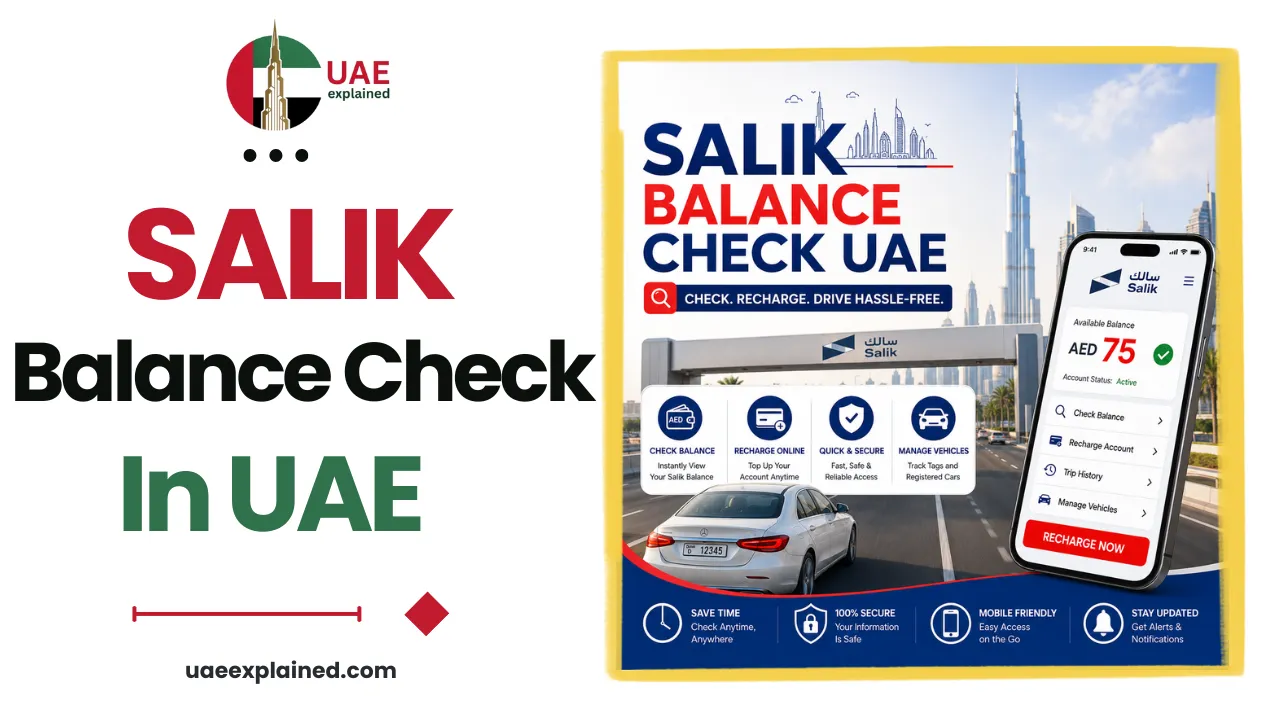
To check your Salik balance, open the Salik website or the Smart Salik app and enter your account number and PIN, or your plate number. You can also check by SMS or the RTA Dubai app. Your Salik tag is the sticker on your windscreen. Your account number and PIN arrive by SMS when you first register.
- Open the Salik website or Smart Salik app.
- Enter your account number and PIN, or your plate.
- Check your balance and recharge if it is low.
Tag number vs account number
These two get mixed up, so it helps to separate them. Your Salik tag is the small RFID sticker fixed to your windscreen. It is what the toll gates read as you drive through. Your Salik account number is different: it is the reference you use to log in, check your balance, and recharge.
When you register, Salik sends your account number and a PIN to your mobile by SMS. Keep those safe, because you need them for every balance check and top-up. The tag itself stays on the car and does not need a separate lookup.
How to check your Salik balance in UAE?
Checking your balance is free, and there are several ways to do it. Use whichever is easiest for you.
| Method | What you need |
|---|---|
| Salik website (Check My Balance) | Account number and PIN |
| Smart Salik mobile app | Your login, or plate number for a quick check |
| RTA Dubai app | UAE Pass or RTA login |
| SMS | Your registered mobile and account details |
Get into the habit of checking before a long drive. If your balance runs out as you pass a gate, you have a short grace period to top up before a fine is charged. Keeping the balance healthy avoids that entirely, and our guide to recharging your Salik account shows the fastest ways to top up.
Registering a new Salik account
If you have just bought or leased a car, you may need to set up Salik. Select “New User Registration” on the Salik website or app, and enter your personal and vehicle details in the form. The system then sends your account number and PIN by SMS, which you use for all future checks and recharges.
Once registered and topped up, your only ongoing task is keeping the balance positive. If you do end up with a Salik fine, our guide on how to pay a Salik fine online covers that, and the wider set of driver tasks is in our UAE traffic, vehicle and fines guide.
Frequently asked questions
How do I check my Salik balance?
Open the Salik website and select “Check My Balance”, then enter your account number and PIN. You can also use the Smart Salik app, the RTA Dubai app, or an SMS to your registered mobile. Checking is free, and the balance shows instantly. For a quick check, the app also accepts your plate number.
What is the difference between a Salik tag and account number?
The Salik tag is the RFID sticker on your windscreen that the toll gates read. The account number is the reference you use to log in, check your balance, and recharge. Salik sends your account number and PIN by SMS when you register, and you keep those for all account tasks.
How do I register for a new Salik account?
Choose “New User Registration” on the Salik website or the Smart Salik app, then enter your personal and vehicle details. The system sends your account number and PIN to your mobile by SMS, which you then use to log in, check your balance, and recharge. You will also need a Salik tag fitted to the car.
Is checking my Salik balance free?
Yes. Checking your Salik balance on the official website, the Smart Salik app, the RTA Dubai app, or by SMS is completely free. You only pay for tolls and for recharging your account. There is no charge to view your balance or your account details.
Last verified: August 2026
Written by Roman Shah · Reviewed by the UAEexplained editorial team
Source: Salik; Roads and Transport Authority (RTA)