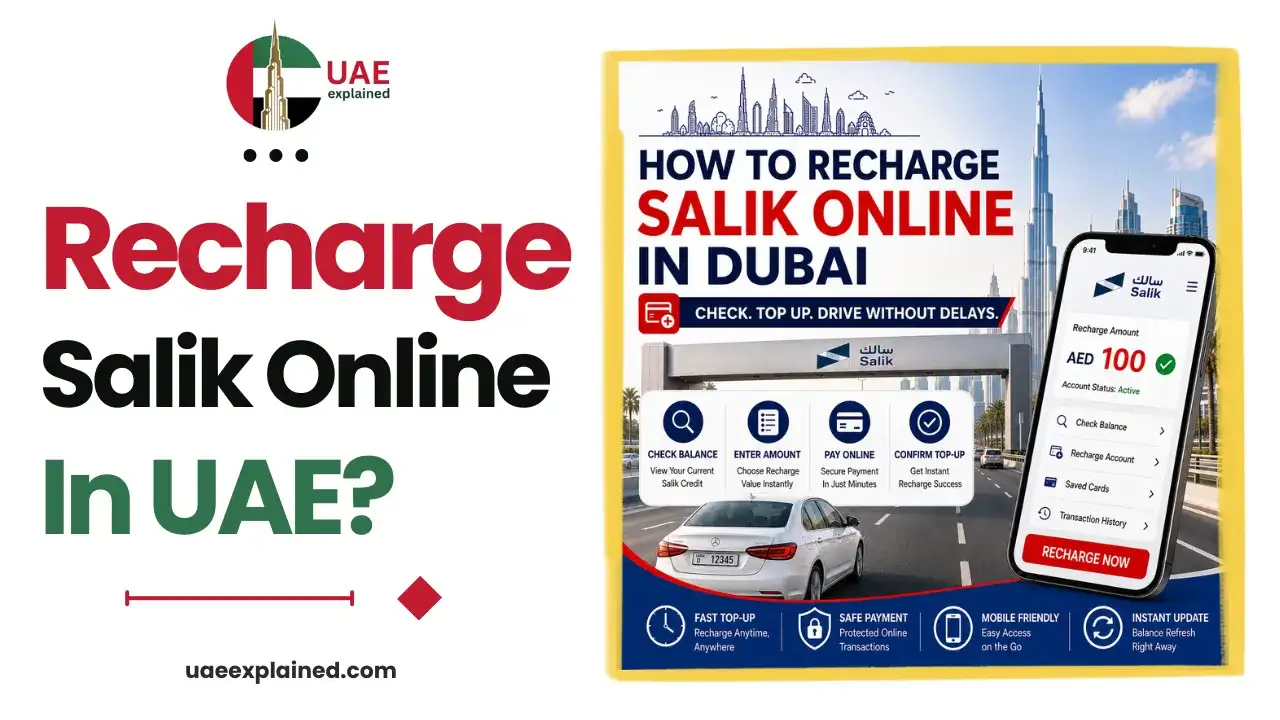
How to Recharge Salik Online in Dubai? Easy Guide 2026
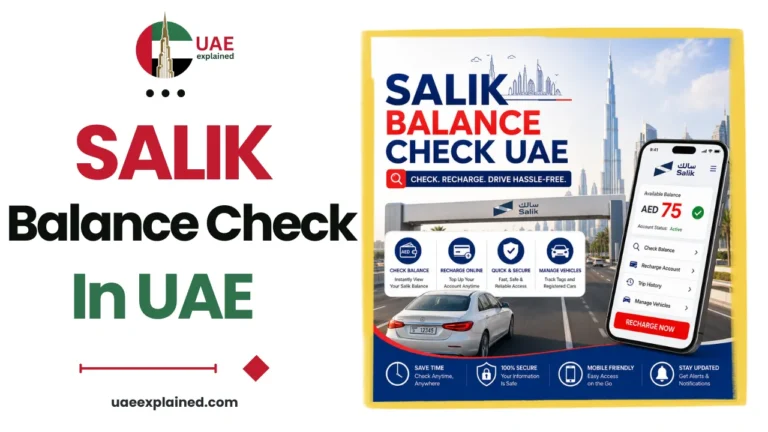
To recharge your Salik account, log in to the Salik website or the Smart Salik app, choose Recharge, and pay by card. The minimum top-up is AED 50. You can also recharge through the RTA Dubai app, at petrol stations and kiosks, or by turning on auto-recharge so your balance tops up on its own.
- Log in to the Salik website or Smart Salik app.
- Choose Recharge and pay by card, minimum AED 50.
- Turn on auto-recharge so you never run low.
How to recharge your Salik account?
You have several official ways to recharge your Salik account, so pick whichever fits your routine. The fastest is online, but in-person options exist too.
| Method | What you need |
|---|---|
| Salik website (Recharge) | Account login, payment card, minimum AED 50 |
| Smart Salik mobile app | Your login and a payment card |
| RTA Dubai app | UAE Pass or RTA login and a card |
| Petrol stations and kiosks | Your account or plate number, cash or card |
The online routes are the same everywhere. Log in, select Recharge, enter the amount, and confirm the card payment. The balance updates almost immediately. Before you top up, it is worth doing a quick Salik balance check so you know how much to add.
Setting up Salik auto-recharge
Auto-recharge is the single best way to avoid ever running low. You link a payment card and set a trigger balance. When your account drops below that level, Salik tops it up automatically, so you never pass a gate short of funds.
To set it up, log in to the Salik website or Smart Salik app, open the auto-recharge or auto top-up settings, add your card, and choose the recharge amount. Once it is on, you can forget about manual top-ups. This also removes the main cause of a Salik fine, which is passing a gate with an empty account.
How much to recharge in Salik Account?
The minimum top-up is AED 50, and you can recharge in set amounts above that. How much you add depends on how often you use toll gates.
If you cross Salik gates on most days, a larger top-up saves you recharging every week. If you drive through only now and then, the AED 50 minimum is usually enough for a while. Either way, auto-recharge means the exact amount matters less, because your balance refills itself. For the full set of driver tasks, see our UAE traffic, vehicle and fines guide.
Frequently asked questions
How do I recharge my Salik account online?
Log in to the Salik website or the Smart Salik app, choose Recharge, enter the amount, and pay by card. The minimum is AED 50 and the balance updates almost at once. You can also recharge through the RTA Dubai app, or in person at petrol stations and kiosks.
What is the minimum Salik recharge?
The minimum Salik top-up is AED 50. You can add more in set amounts if you use toll gates often. Frequent drivers usually recharge a larger sum to avoid topping up every week, while occasional drivers find the AED 50 minimum lasts a while.
How do I set up Salik auto-recharge?
Log in to the Salik website or Smart Salik app, open the auto-recharge settings, add a payment card, and set a trigger balance and top-up amount. When your balance falls below the trigger, Salik recharges it automatically. This is the easiest way to avoid running low and getting a fine.
How long does a Salik recharge take?
An online recharge through the Salik website or app is usually reflected in your balance almost immediately. Once the card payment is confirmed, the funds are available for your next toll gate. In-person top-ups at stations and kiosks are also credited quickly.
Last verified: August 2026
Written by Roman Shah · Reviewed by the UAEexplained editorial team
Source: Salik; Roads and Transport Authority (RTA)