How to Check Car Insurance Status in the UAE? Complete Guide 2026
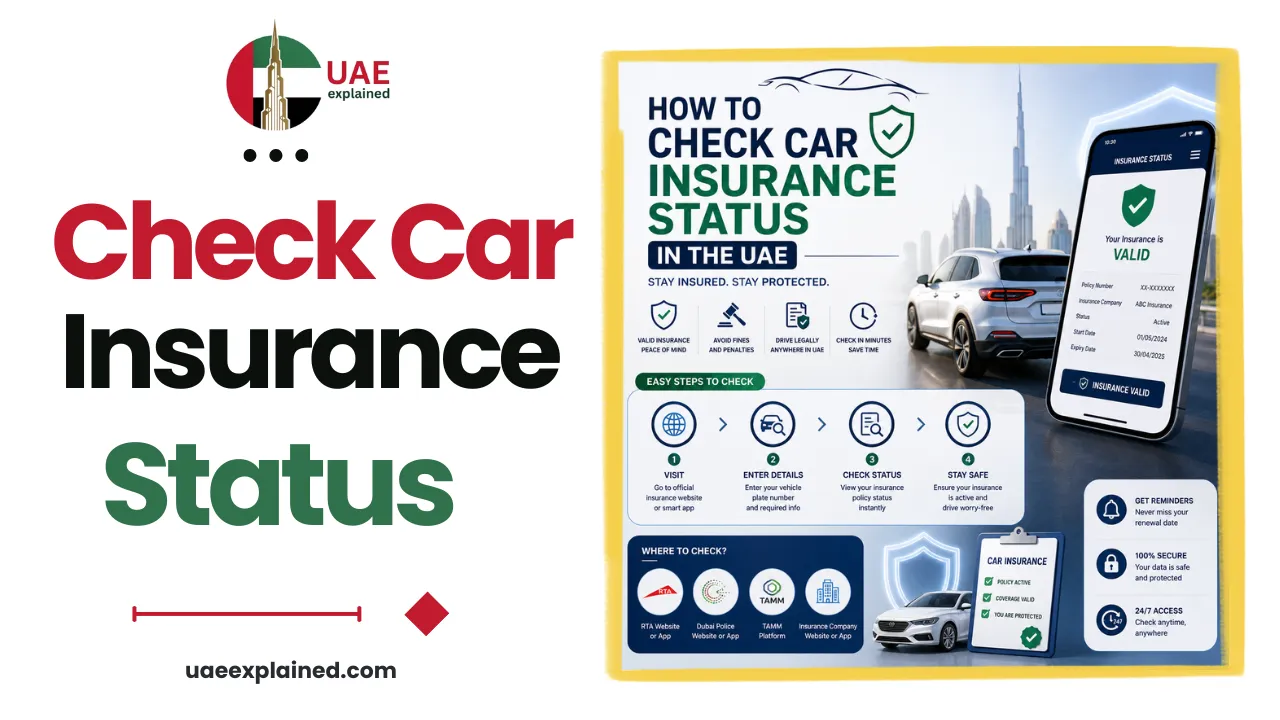
To check your car insurance status in the UAE, log in to the MOI app, the RTA Dubai app, or Abu Dhabi’s TAMM with UAE Pass, open My Vehicles, and select your car. The insurer and expiry date show alongside your registration. You can also check by plate number through the MOI vehicle insurance inquiry, or in your own insurer’s app.
- Log in to the MOI app or your emirate’s portal with UAE Pass.
- Open My Vehicles and select your car to see the insurer and expiry.
- Renew before it expires to avoid the AED 500 fine.
Where to check your car insurance status?
Your insurance details sit in the same traffic system as your registration, so several official portals show them. Each one displays your insurer and the expiry date next to your vehicle.
| Portal | What it shows |
|---|---|
| MOI app or e-channels | My Vehicles: insurer and insurance expiry, with UAE Pass |
| RTA Dubai app | Vehicle Licensing, then My Vehicles: insurance status and expiry |
| TAMM (Abu Dhabi) | Vehicle card: motor insurance validity |
| Emirates Vehicle Gate | Single dashboard for all your UAE vehicles |
| Your insurer’s app | Full policy details and documents |
For most people the MOI app is the simplest, since it covers every emirate. Log in with UAE Pass, open My Vehicles, and select your car to see the insurer and expiry date at a glance.
How to check car insurance by plate number?
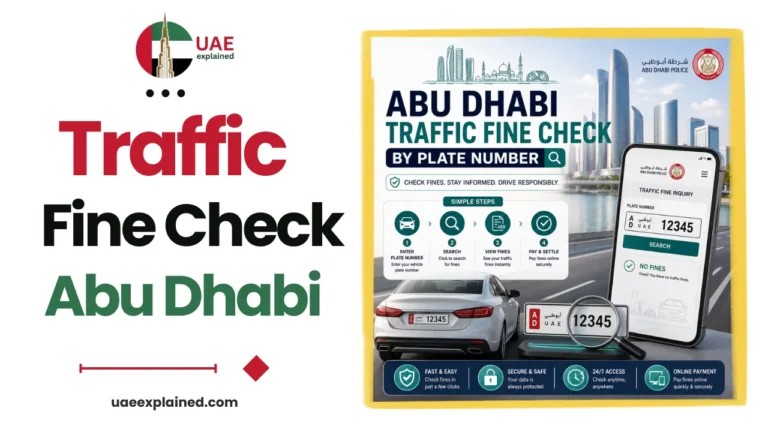
If the vehicle is not linked to your profile, the MOI vehicle insurance inquiry lets you check by plate or chassis number instead.
- Open the MOI vehicle insurance inquiry on the app or website.
- Enter the plate number with the correct emirate code, such as DXB, AUH, or SHJ, or use the chassis number.
- The result shows whether an active policy is on file and when it expires.
One thing to know: the status is only accurate if your insurer has uploaded the policy to the traffic system. If you just renewed and it has not appeared yet, give it a day or check your insurer’s app directly. The full set of driver tasks is in our UAE traffic, vehicle and fines guide.
Why your insurance status matters?
Valid insurance is not optional. It is required to renew your registration, so an expired policy blocks your Mulkiya renewal until it is sorted. That alone makes it worth checking before renewal time.
The bigger risk is driving uninsured. Driving with expired insurance can bring a fine of AED 500, four black points, and possible impoundment of the vehicle. Checking your expiry date every few months, and before any long trip, is a simple way to avoid all of that.
Frequently asked questions
How do I check my car insurance status in the UAE?
Log in to the MOI app, the RTA Dubai app, or Abu Dhabi’s TAMM with UAE Pass, open My Vehicles, and select your car. The insurer and expiry date show next to your registration. You can also check by plate number through the MOI vehicle insurance inquiry, or in your own insurer’s app.
Can I check car insurance by plate number?
Yes. The MOI vehicle insurance inquiry lets you check by plate number, with the correct emirate code such as DXB or AUH, or by chassis number. It shows whether an active policy is on file and when it expires, as long as your insurer has uploaded the policy to the traffic system.
What happens if I drive with expired insurance?
Driving with expired insurance can bring a fine of AED 500, four black points, and possible impoundment of the car. An expired policy also blocks your registration renewal. To stay safe, check your expiry date regularly and renew the policy before it lapses.
Where do I find my insurance expiry date?
Open My Vehicles on the MOI app, the RTA Dubai app, or TAMM, and select your car. The insurance expiry date shows alongside the insurer name and your registration details. Your insurer’s own app or policy document also lists the expiry date and full cover details.
Last verified: August 2026
Written by Roman Shah · Reviewed by the UAEexplained editorial team
Source: Ministry of Interior (MOI); Roads and Transport Authority (RTA); TAMM