
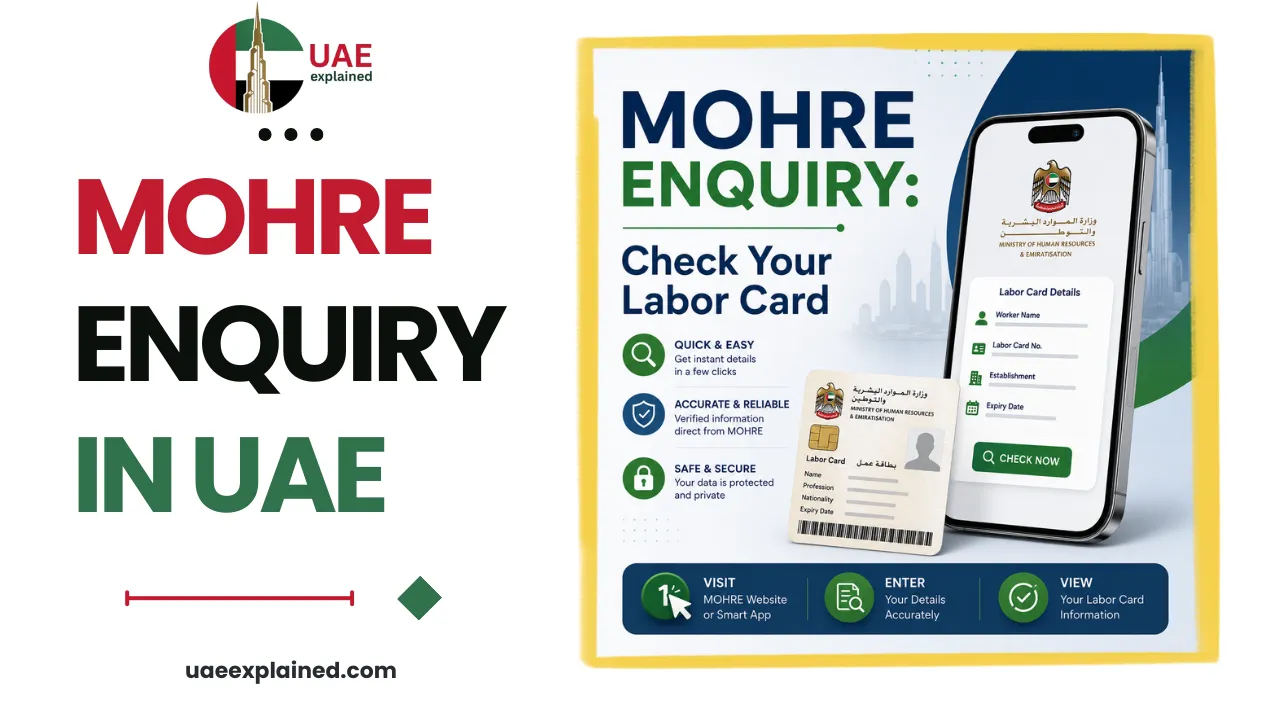
MOHRE Enquiry: Check Your Labour Card, Contract & Permit
MOHRE Enquiry is the free official service for checking your UAE labour card, labour contract, work permit, and application status. Use the inquiry.mohre.gov.ae portal or the MOHRE app, and enter your Emirates ID, work permit number, or transaction number. Results including whether an application is approved or still under process will appear instantly.
- Open inquiry.mohre.gov.ae or the MOHRE app.
- Pick the enquiry: work permit, contract, or application status.
- Enter your Emirates ID or work-permit number to view it.
What is MOHRE Enquiry?
MOHRE Enquiry is the online enquiry service run by the Ministry of Human Resources and Emiratisation (MOHRE), the federal authority for the UAE’s private-sector labour market. It lets employees and employers check verified labour information in real time without visiting an office. The service is free on the official channels, the enquiry portal at inquiry.mohre.gov.ae and the MOHRE app, and any site that charges a fee to “check your MOHRE status” is not the official service.
What you can check with MOHRE Enquiry?
The enquiry service covers most of what an employee needs to confirm about their own status. Each enquiry asks for a different identifier, so it helps to know which one you need before you start.
| Enquiry | What it tells you | What you need |
|---|---|---|
| Electronic work permit / labour card | Your current labour card and work-permit details | Work permit number, person code, date of birth |
| Labour contract enquiry | The terms registered in your MOHRE contract | Emirates ID or labour card number |
| Application / transaction status | Whether a request is approved, under process, or rejected | Transaction (application) number |
| Complaint status | Progress of a labour complaint you have filed | Complaint or transaction number |
| Establishment status | A company’s MOHRE compliance standing | Company name or establishment number |
For the two enquiries people run most often, we have dedicated step-by-step guides: how to check your labour contract online and how to check your work permit status.
How to use MOHRE Enquiry?
There are three official routes, and they return the same record. Choose whichever suits you.
On the enquiry portal
- Go to inquiry.mohre.gov.ae and choose the enquiry you need.
- Enter the required identifier, your work permit or transaction number, person code, or Emirates ID.
- Complete the security check and click Search to see your result on screen.
The portal does not require a login for these basic enquiries, so it is the quickest route if you have your numbers to hand.
On the MOHRE app or by phone
In the MOHRE app, sign in with UAE Pass, open Services then Inquiry Services, choose your enquiry type, and submit your details. If you would rather not go online at all, call the MOHRE hotline on 600 590 000 and verify your identity with your Emirates ID, and the agent can read your labour details to you. A Tasheel centre can also pull the information for you in person.
What your MOHRE status means?
An application enquiry returns one of three statuses, and they are easy to misread. This is what each means and the right response.
| Status | What it means | What to do |
|---|---|---|
| Approved | The application is complete and granted | No action needed; download the document |
| Under process | Still being reviewed, this is not a rejection | Wait; updates usually appear within 24 to 72 hours |
| Rejected | The request was declined | Check the stated reason, then fix it and resubmit |
If you are using MOHRE Enquiry as part of a job change, it is worth also running an absconding case check, since an open case can quietly block your next permit. The full set of employment tasks is in our UAE work and labour guide.
Frequently asked questions
Is MOHRE Enquiry free?
Yes. Checking your labour card, contract, work permit, or application status is free on the official MOHRE enquiry portal and the MOHRE app. You only pay if you ask a typing or Tasheel centre to do it for you, which carries their standard service charge. Sites that charge to “check your MOHRE status” online are not the official service.
Can I use MOHRE Enquiry without logging in?
Yes, for the basic enquiries on inquiry.mohre.gov.ae. You can check a work permit or application status by entering the relevant number and your details, with no account needed. The MOHRE app does require a UAE Pass login, but it gives you a fuller view of your records once you are in.
What details do I need for a MOHRE enquiry?
It depends on the enquiry. A work-permit or labour-card check uses your work permit number, person code, and date of birth; a contract enquiry uses your Emirates ID or labour card number; and an application status check uses the transaction (application) number. Having your Emirates ID to hand covers most situations.
My MOHRE status says “under process”, is that bad?
No. “Under process” simply means your application is still being reviewed and no decision has been made yet. It is not a rejection. Updates usually appear within 24 to 72 hours, though some requests take longer if extra verification is needed. Only a “rejected” status requires you to act.
Last verified: June 2026
Written by Roman Shah · Reviewed by the UAEexplained editorial team
Source: Ministry of Human Resources and Emiratisation (MOHRE)

Dear Sir/Madam
May i know if I’m eligible to request for my visa cancellation while i’m outside of the country UAE.
Before i leave the the country i submitted my resignation which is my top management acknowledge that i am going to leave the country, as i have an emergency here in my country, And now the hr told me to travel back to uae then they will process my visa cancellation and release my final settlement.
Which is i’m able to travel back alone because of my health condition, i have sent a medical report to them that I’m suffering from panic attack specifically if i on the plane. I have an anxiety and continuing my treatment. I became a depressed while working with the company coz pressure in my work.
Please advise me what i need to do to get my end of service (settlement) with the company.
Yes, your employer can legally cancel your UAE visa while you are outside the country by processing it online through MOHRE. There is no legal requirement for you to fly back, and their request is likely just for their own administrative convenience.
To receive your settlement, ask HR to wire the funds to your bank account, after which you can sign and email back the cancellation documents. If they refuse despite your medical reports, you can file a labor complaint directly through the MOHRE website or app from your home country.
Dear Sir/ Mam,
Received email from MOHRE regarding the signing of the Job Offer and Employment Contract.I have tried several times to open the provided link to sign the Employment Contract; unfortunately, the link is not working.
Try clearing your browser cache, using a different web browser, or opening the link on a desktop computer instead of a mobile device.
If the link still fails, contact your employer’s HR department to generate a new request or call MOHRE support at 800 60 for assistance.