Work Permit Status Check: How to Track Yours in the UAE?
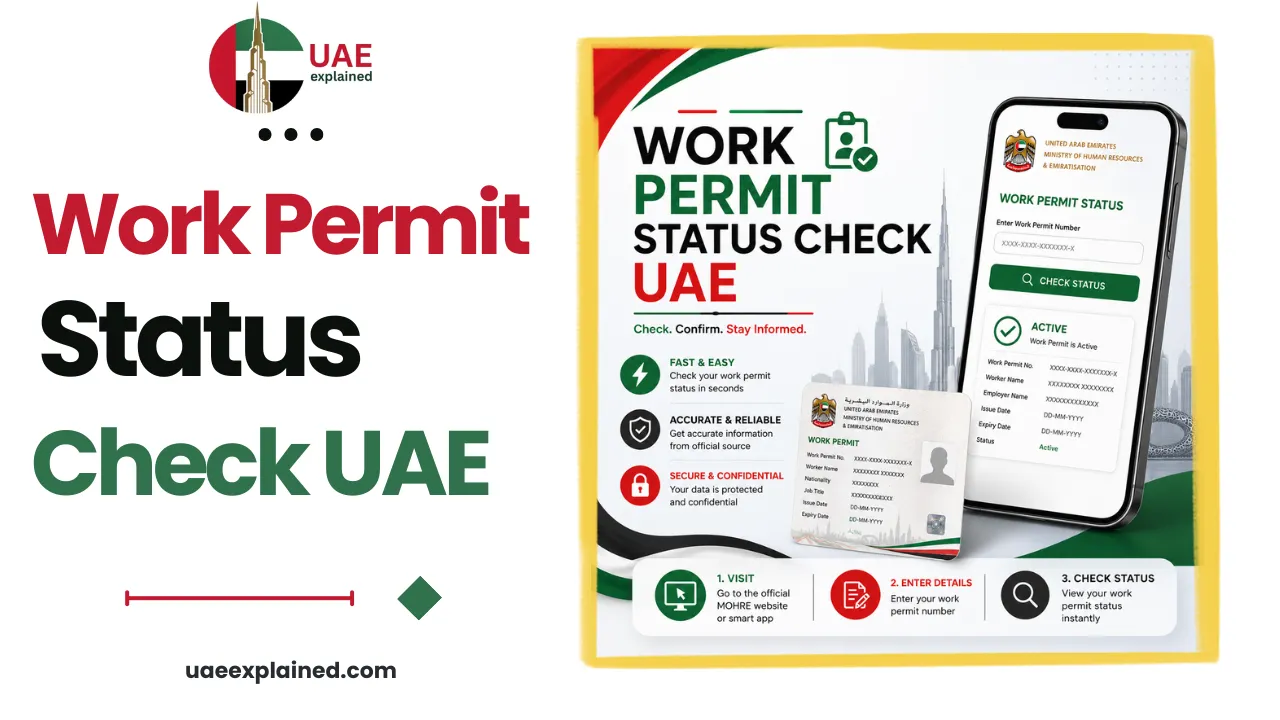
Check your UAE work permit status with MOHRE’s Work Permit Information Service at mohre.gov.ae or in the MOHRE app. Enter your work permit number, passport number, and transaction number to see the status, approved, under process, pending, rejected, or cancelled. A new permit is usually issued within about five working days of approval.
- Open mohre.gov.ae → Enquiry Services → Work Permit Information.
- Enter your work permit, passport, and transaction numbers.
- Read the status, “under process” is normal; “rejected” needs a fix.
How to check your work permit status?
A work permit is the approval from the Ministry of Human Resources and Emiratisation (MOHRE) that gives you the legal right to work for a specific employer. If you are a new hire waiting to start, this is the document to track, and you can check it yourself in a minute.
- Go to mohre.gov.ae, open Services, then Enquiry Services, and choose the Work Permit Information Service.
- Enter your work permit number, passport number, and transaction number.
- Complete the security check and search to see your status on screen.
In the MOHRE app, sign in with UAE Pass, open Services then My Work Permit, and enter your permit number. If you do not have all your numbers, your employer’s PRO can give them to you, and the wider MOHRE enquiry service lets you look up related records too.
What the statuses mean?
The status screen uses a handful of words, and knowing which ones need action saves a lot of worry while you wait.
| Status | What it means | What to do |
|---|---|---|
| Under process | Still being reviewed by MOHRE | Wait, this is normal; updates appear within 24 to 72 hours |
| Approved | Cleared and ready to be issued | No action; the digital work permit follows |
| Pending | MOHRE needs more information from you or your employer | Check with your employer for what is missing |
| Rejected | Declined, usually a missing document or a data error | Fix the stated reason, then resubmit |
| Cancelled | Withdrawn, often an employer-side or document issue | Resolve it; a fresh application is then filed |
How long a work permit takes?
Once your application is complete, MOHRE typically issues the work permit within about 5 to 10 working days, though missing or incorrect documents can stretch that to 15 to 20 days. The permit is only one stage of a new hire’s full journey, which usually runs over several weeks:
- You sign the job offer through MOHRE.
- Your employer applies for the labour quota and the work permit.
- If you are hired from overseas, you receive an entry permit to enter the UAE.
- You complete the medical fitness test and Emirates ID biometrics.
- MOHRE issues your digital work permit, and your residence visa is stamped.
Because the stages are linked, a delay in one, a medical appointment or a document query, pushes the rest back, so checking the status at each step tells you where things actually stand. You can track the identity side of it through our guide to the Emirates ID status check.
Work permit, entry permit and visa: the difference
Three documents get confused constantly, partly because the old plastic labour card has been replaced by a digital work permit. They are not the same thing, and they come from different authorities.
| Document | What it is | Issued by |
|---|---|---|
| Entry permit | Lets you enter the UAE, or change status from inside it | Federal immigration (ICP) |
| Work permit (labour card) | Proves your legal right to work; now fully digital | MOHRE, or a free zone authority |
| Residence visa | Your residency status, stamped after you enter | ICP / GDRFA |
So your work permit confirms you can work, not that you can stay, that is your residence visa. Both need to be valid and current, which is why a job change touches all of these. The full sequence and the rest of your employment admin sit in our UAE work and labour guide, and you can confirm your contract terms with a labour contract check.
Frequently asked questions
How do I check my work permit status in the UAE?
Use MOHRE’s Work Permit Information Service at mohre.gov.ae, under Services then Enquiry Services, and enter your work permit number, passport number, and transaction number. You can also check in the MOHRE app under Services then My Work Permit after signing in with UAE Pass. The status shows on screen instantly and the service is free.
How long does a UAE work permit take to be approved?
A complete application is usually approved within about 5 to 10 working days, and the digital work permit is issued shortly after. Missing or incorrect documents can extend this to 15 to 20 days. The full onboarding journey, including the entry permit, medical, and Emirates ID, typically spans a few weeks.
Is a work permit the same as a residence visa?
No. A work permit, issued by MOHRE, gives you the legal right to work for your employer. A residence visa, issued by immigration, gives you the right to live in the UAE. They are separate documents from different authorities, and you need both to be valid. The entry permit is a third document that simply lets you enter the country.
My work permit says “under process”, is something wrong?
No. “Under process” means MOHRE is still reviewing the application, which is the normal state while you wait. It is not a rejection. Updates usually appear within 24 to 72 hours. Only a “pending”, “rejected”, or “cancelled” status calls for action, and in each case you or your employer will be told what to fix.
Last verified: June 2026
Reviewed by: UAEexplained editorial team
Source: Ministry of Human Resources and Emiratisation (MOHRE)