How to Check Your Labour Contract Online in the UAE?
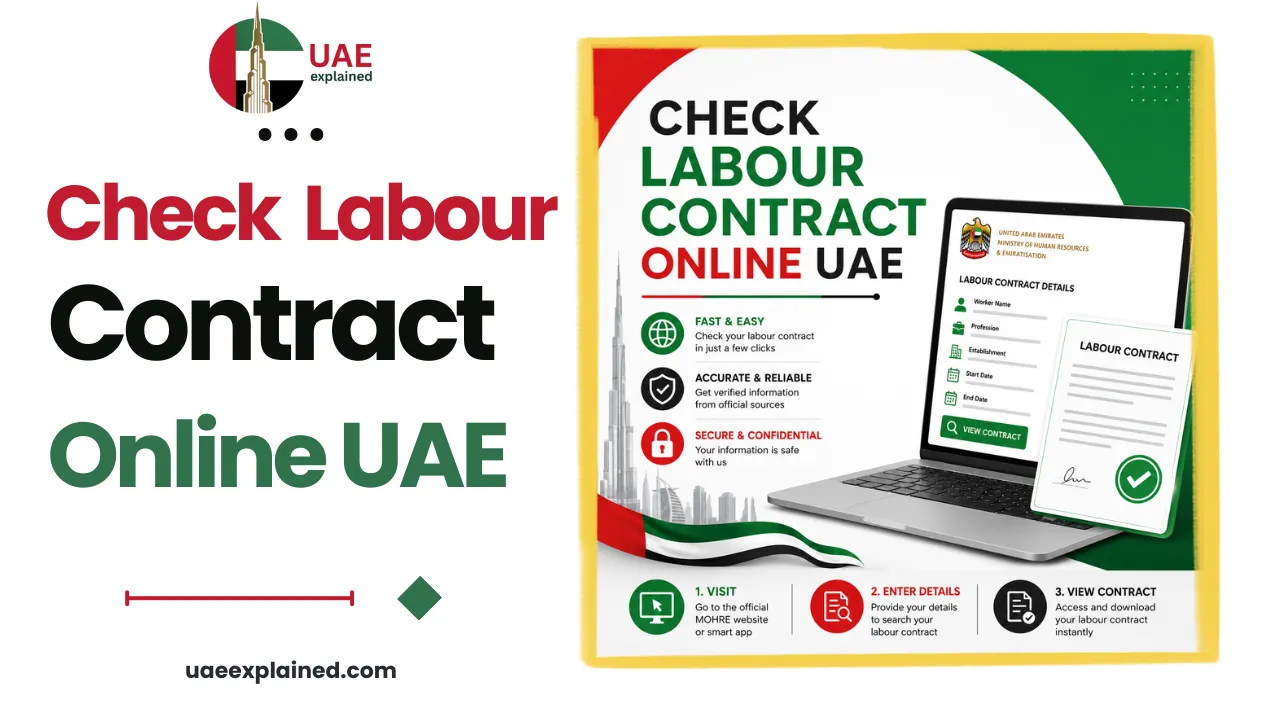
You can view and download your UAE labour contract for free using MOHRE’s “View Approved Contract” service. Go to mohre.gov.ae or the MOHRE app, search by your Emirates ID, verify the OTP, and your approved contract appears to save as a PDF. Free-zone employees get their contract from their free zone authority instead.
- Open mohre.gov.ae → Services → View Approved Contract.
- Search by Emirates ID and verify the OTP.
- Check the salary and job title match your offer.
How to view your labour contract online?
The Ministry of Human Resources and Emiratisation (MOHRE) keeps a registered copy of your approved contract, and its “View Approved Contract” service lets you pull it up in under a minute. It is free, and you do not need your employer’s help.
- Go to mohre.gov.ae, open Services, and choose “View Approved Contract”, or open the MOHRE app and tap My Contract.
- Choose “Search by EIDA No”, enter your Emirates ID, and request the one-time password (OTP).
- Enter the OTP sent to your registered mobile and tap View My Contract.
- To keep a copy, choose Print, then Save as PDF.
If you do not have your Emirates ID to hand, you can instead search by your transaction number along with your passport number, nationality, and date of birth. Either route shows the same registered contract. This is one of several checks you can run on the wider MOHRE enquiry service.
What your labour contract should contain?
Every MOHRE-registered contract is now a fixed-term contract, and it must set out the core terms of your job. When you open yours, you should see all of the following:
- Employer and employee details, and your job title and description.
- Start date and contract duration, and the workplace location.
- Basic salary and allowances in AED, and working hours.
- Leave entitlements, the probation period (maximum six months), and the notice period (usually 30 to 90 days).
What to check on your contract?
Pulling the contract up is only half the job. The registered version is the one that legally counts, so it is worth confirming it matches what you agreed and contains no surprises. Run through this checklist each time you check.
| Check this | Why it matters |
|---|---|
| Salary and allowances match your offer letter | Pay mismatches are the most common dispute, and the registered figure is what counts |
| Job title and employer name are exact | A company name that does not match the trade licence is a fraud red flag |
| The contract has a MOHRE reference number | No reference number means the contract was never officially registered |
| The status shows the contract as active | Expired, cancelled, or suspended is a problem to resolve before it affects your visa |
| Vague wording such as “up to” or “as per company policy” | These let terms be changed or withheld later, so query them early |
It is good practice to repeat this check every few months, not just when you sign, so you catch any unauthorised change while it is still easy to fix.
If the details are wrong?
If the registered contract does not match what you were offered, a lower salary, a different job title, or the wrong employer name, act quickly. An employer cannot force you onto terms that differ from the offer letter you signed, and any change has to be mutually agreed.
- Raise it with your HR department in writing and ask for a correction.
- Submit a formal correction request through MOHRE if HR does not fix it.
- Keep digital proof of the contract, the offer letter, and all correspondence.
If it still is not resolved, you can escalate to the labour department of your emirate or, for a serious dispute, file a MOHRE complaint. Knowing your wider entitlements helps here, see our guide to UAE labour law in 2026.
Free-zone employees
One important exception: if your employer is licensed in a free zone, your contract will not appear on MOHRE at all. Free zones such as DMCC, JAFZA, DIFC, and ADGM register employment through their own authorities, so you obtain and verify your contract through the specific free zone where your company is licensed rather than through the MOHRE service above.
Frequently asked questions
How do I check my labour contract online in the UAE?
Use MOHRE’s “View Approved Contract” service at mohre.gov.ae or in the MOHRE app. Search by your Emirates ID, request and enter the OTP sent to your registered mobile, then view and save the contract as a PDF. You can also search by transaction number, passport number, nationality, and date of birth. The service is free.
Is checking my labour contract free?
Yes. Viewing and downloading your approved contract through the official MOHRE website or app costs nothing. There is only a charge if you ask a typing or Tasheel centre to do it for you. Any third-party site charging a fee to “download your MOHRE contract” is not the official service.
My contract does not match my offer letter, what can I do?
Your employer cannot impose terms that differ from the offer letter you signed, and any change must be mutually agreed. Raise it in writing with HR, submit a correction request through MOHRE if needed, and keep copies of everything. If it stays unresolved, escalate to your emirate’s labour department or file a MOHRE complaint.
Why can’t I find my contract on MOHRE?
The most likely reason is that your employer is registered in a free zone, whose contracts do not appear on MOHRE. In that case, obtain your contract from the relevant free zone authority. If you are on the mainland and still cannot find it, the contract may not have been registered yet, which is itself worth raising with your employer.
Last verified: June 2026
Written by Roman Shah · Reviewed by the UAEexplained editorial team
Source: Ministry of Human Resources and Emiratisation (MOHRE)