ILOE Quick Pay: How to Check and Pay ILOE Fines
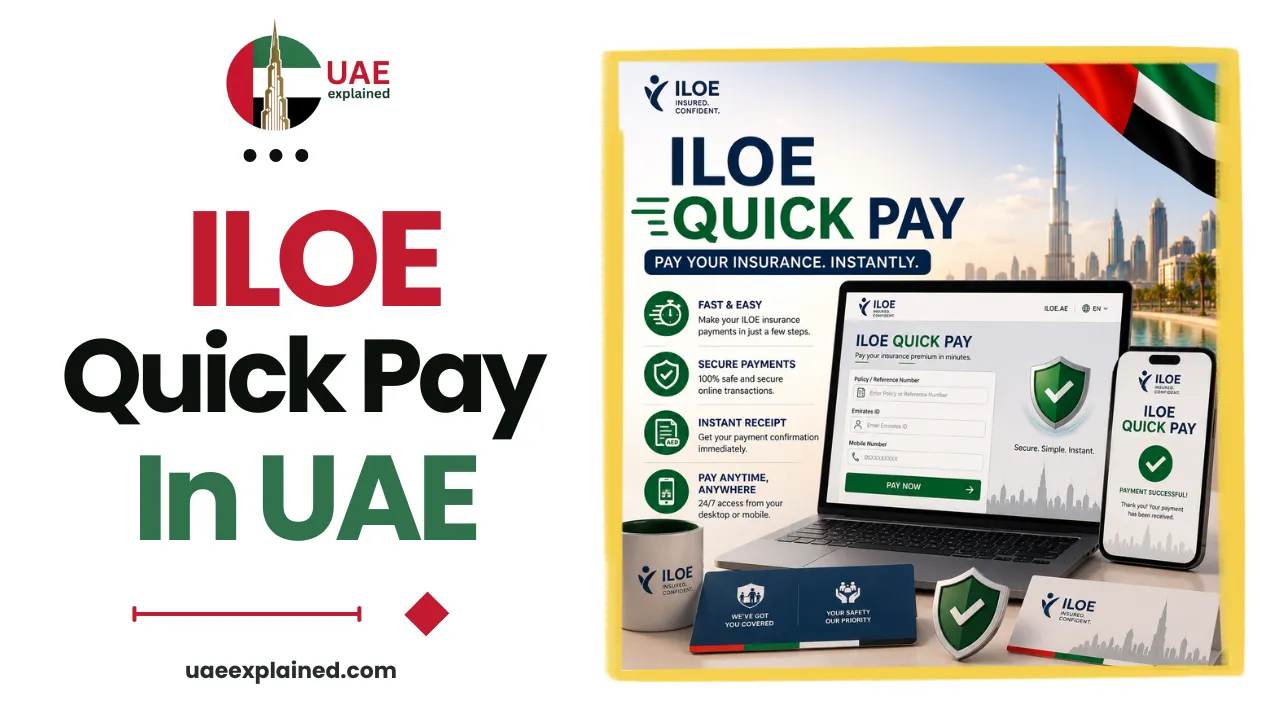
ILOE Quick Pay is the official MOHRE service for checking and paying your ILOE fine online, with no login needed. Go to eservices.mohre.gov.ae, open ILOE Quick Pay, choose Emirates ID, enter your number and date of birth, and verify the OTP. Any fine appears on screen, and you pay by card, bank transfer, or e-wallet. The service is free, so you pay only the fine itself.
- Open eservices.mohre.gov.ae and select ILOE Quick Pay.
- Enter your Emirates ID and verify the OTP to see any fine.
- Pay by card, then subscribe to ILOE so no new fine is charged.
What is ILOE Quick Pay?
ILOE Quick Pay is a service on the official MOHRE portal that lets you check and settle an ILOE fine in a couple of minutes, without signing in to a full account. ILOE stands for Involuntary Loss of Employment, the UAE’s mandatory unemployment insurance scheme, run by the Ministry of Human Resources and Emiratisation. Quick Pay is simply the fast lane for anyone who has been told they owe an ILOE fine and wants to clear it.
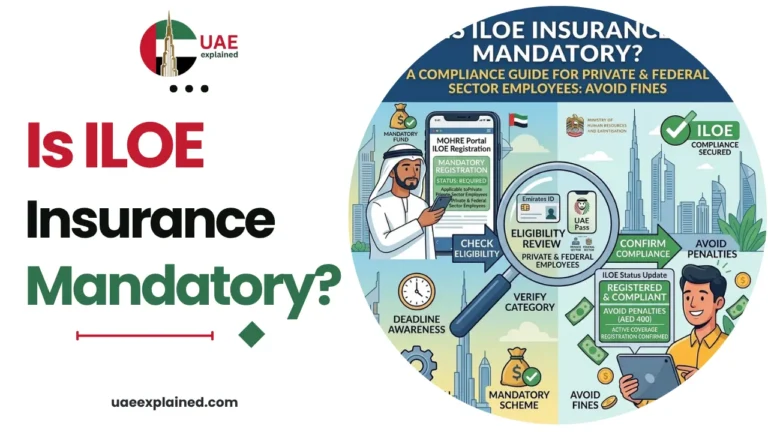
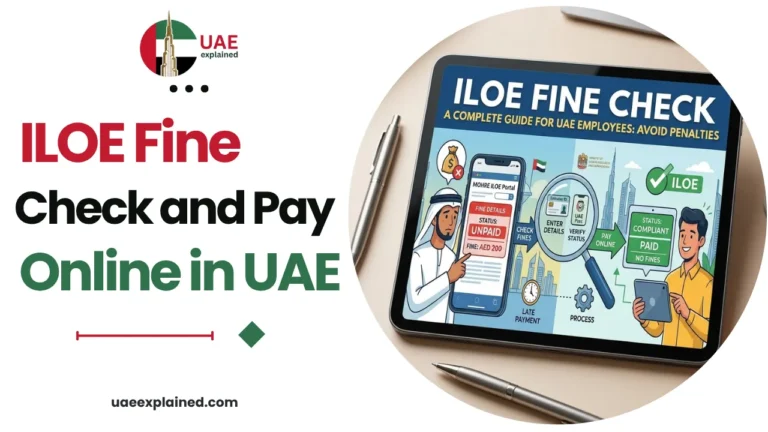
The tool shows two possible fines: AED 400 for not subscribing to ILOE on time, and AED 200 if your premiums stayed unpaid for more than three months. If you want the full detail on why each fine is charged and what happens if you ignore it, see our ILOE fine check guide. This page focuses on using the Quick Pay tool itself.
How to use ILOE Quick Pay online
The whole process runs in your browser and takes only a few minutes. You do not create an account, and you can use any of four identifiers to pull up your record.
| Search method | What to enter |
|---|---|
| Emirates ID (EIDA) | Your 15-digit Emirates ID number, the most common choice |
| Unified number (UID) | The UID printed on your residence visa |
| Labour card number | Your MOHRE labour card or work permit number |
| Person code | Your MOHRE person code, if you have it |
- Go to eservices.mohre.gov.ae and open the ILOE Quick Pay service.
- Choose one of the search methods above and enter the number, along with your date of birth.
- Request the one-time password (OTP), which is sent to your registered mobile number.
- Enter the OTP. Any outstanding ILOE fine and its exact amount appear on the next screen.
- Review the fine, then pay it directly on the same screen.
If nothing shows, you have no outstanding fine. If a fine was for not subscribing, pay it and then subscribe to ILOE insurance straight away, so the same fine does not come back next time you check.
ILOE Quick Pay on the MOHRE app
The same Quick Pay service is built into the official MOHRE app, which is handy if you prefer your phone. Download the MOHRE app, sign in with UAE Pass, open Employee Services, and tap ILOE Quick Pay.
The app pulls the same record as the website, so the result matches whichever route you use. Signing in with UAE Pass is the quickest way in, since it confirms your identity without a separate OTP step. Either way, the fine and payment options look the same.
Payment methods and fees
Once a fine is on screen, you can clear it immediately. Quick Pay accepts several payment methods, and there is no platform fee on top of the fine.
| Payment method | Notes |
|---|---|
| Debit or credit card | The fastest option, processed instantly |
| Bank transfer | Supported through the portal’s secure channels |
| E-wallet | Apple Pay, Google Pay, or Samsung Pay |
Payments usually clear within one business day. The MOHRE service charges no processing fee, so you pay only the fine amount. If you would rather pay in person, any Tasheel or Tawjeeh centre can do it for you, though the centre may add its own standard service charge.
Use the official ILOE Quick Pay, not lookalikes
Search results for ILOE fines are full of lookalike sites with names built around the words “iloe” and “quick pay”. Only two official channels exist: the MOHRE portal at eservices.mohre.gov.ae and its app, and the scheme’s own site at iloe.ae.
The official service is free and never adds a surcharge, so any site asking for a processing fee on top of your fine is not the real one. When in doubt, type the MOHRE address directly rather than clicking a search result, and never enter your Emirates ID details on a site you cannot verify. For the wider picture on employment compliance, see our UAE work and labour guide.
Frequently asked questions
Is ILOE Quick Pay free?
Yes. Using ILOE Quick Pay on the official MOHRE portal or app is free of any platform or processing fee, so you pay only the fine amount itself. Any website that adds a surcharge on top of your fine is not the official service and should be avoided.
What ID do I need for ILOE Quick Pay?
You can use any of four identifiers: your Emirates ID, your unified number (UID), your labour card number, or your MOHRE person code. Emirates ID is the most common. Whichever you choose, you enter it with your date of birth and verify a one-time password sent to your registered mobile.
Is ILOE Quick Pay the official MOHRE service?
Yes. ILOE Quick Pay is a genuine service on the MOHRE portal at eservices.mohre.gov.ae, and it also appears in the official MOHRE app. The scheme’s own site, iloe.ae, is the other official channel. Lookalike sites using similar names are not official, so always use the MOHRE address directly.
Can I pay my ILOE fine on the MOHRE app?
Yes. Open the MOHRE app, sign in with UAE Pass, go to Employee Services, and tap ILOE Quick Pay. The app shows the same fine record as the website and lets you pay by card, bank transfer, or e-wallet. Payments usually clear within one business day.
Last verified: July 2026
Written by Roman Shah · Reviewed by the UAEexplained editorial team
Source: Ministry of Human Resources and Emiratisation (MOHRE); ILOE (Dubai Insurance Company)